 All Tools Verse
Compress Image Effect
Compress Image Effect Tool adds realistic compression artifacts to images for free. Adjust the quality slider to simulate JPEG compression.
- Runs in your browser
- Nothing uploaded
- Free, no sign-up
Give any image the glitchy, deep-fried look of heavy JPEG compression, right in your browser. You control how strong it gets. Nothing is uploaded.
Drag and drop your image here
or click to browse. PNG, JPG, WebP, GIF.
Choose FileNo size limit. The tool runs 100% locally on your computer.
The live preview updates as you change the options.
How to Use Compress Image Effect
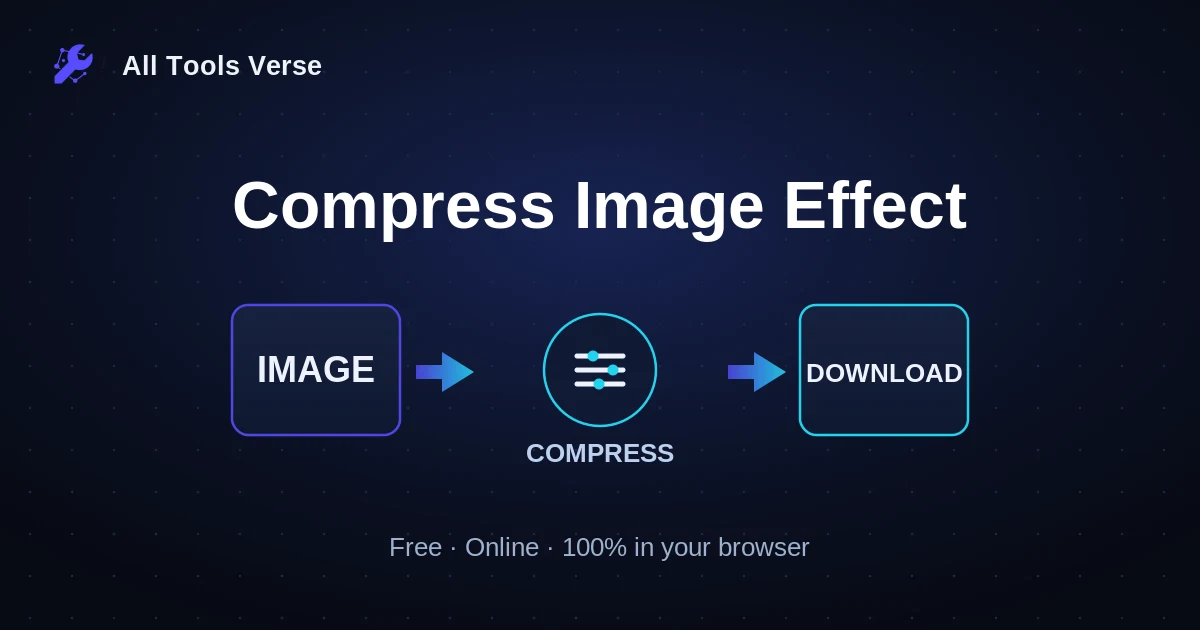
- Upload Your Image - Click the file input and select any PNG, JPG, GIF, BMP, or WebP file up to 10MB
- Adjust Compression Quality - Move the slider left for stronger artifacts (more compression) or right for subtle effects
- Preview in Real-Time - Watch your image transform instantly as you adjust the quality slider
- Check File Statistics - View original size, compressed size, and savings percentage below the preview
- Download Result - Click the download button to save your compressed image as PNG
- Experiment with Settings - Try different quality levels to achieve your desired compression look
- Clear and Start Over - Use the clear button to reset and process a new image
Frequently Asked Questions
What is an image compression effect?
A compression effect simulates the visual artifacts that appear when images are heavily compressed using lossy formats like JPEG. This includes blockiness, color banding, and blurring. Our tool downsizes the image based on your quality setting, then upscales it back to create these authentic compression artifacts.
Is my image data secure when using this tool?
Absolutely. This tool processes everything locally in your browser using the Canvas API. Your images never leave your device, are not uploaded to any server, and are not stored anywhere. Once you close or refresh the page, all image data is immediately cleared from memory.
Is this compression effect tool completely free?
Yes, this tool is 100% free with no hidden costs, subscriptions, or usage limits. You can process unlimited images, experiment with different quality settings, and download as many results as you need without any restrictions or watermarks.
What image formats are supported?
The tool accepts PNG, JPG, JPEG, GIF, BMP, and WebP formats. Files must be under 10MB in size. The output is always saved as PNG format to preserve the compression artifacts without additional quality loss during export.
How does the quality slider actually work?
The quality slider controls how much the image is downsized before being scaled back up. At 10%, the image is reduced to just 10% of its dimensions, creating heavy blocky artifacts. At 90%, it maintains 90% of the dimensions for subtle compression. The algorithm uses nearest-neighbor scaling to preserve the compression look.
Can I use this tool on very large images?
Yes, the tool supports images up to 10MB and dimensions up to 4000×4000 pixels. Processing larger images may take 1-2 seconds. For images above 4000 pixels, consider resizing them first for optimal performance, though the tool will still process them correctly.
Why would I want to add compression artifacts to an image?
Compression effects are useful for creative purposes like achieving a retro digital aesthetic, simulating low-bandwidth imagery for artistic projects, creating glitch art, testing how designs look under compression, or adding a deliberately degraded look for stylistic reasons in photography and digital art.
Does the tool preserve image transparency?
Yes, if you upload a PNG or WebP image with transparency, the transparent areas will be preserved in the output. The compression effect is applied only to the visible pixels, and the final PNG download maintains the alpha channel.
Can I use this tool offline?
Once the page loads in your browser, all processing happens client-side without needing an internet connection. However, you do need internet to initially load the page. For true offline use, you could save the HTML, CSS, and JavaScript files locally and open them in your browser.
Which browsers are supported?
This tool works in all modern browsers including Chrome, Firefox, Safari, Edge, and Opera. It requires support for the HTML5 Canvas API and File API, which are available in all browsers released after 2015. Mobile browsers are also fully supported.
Related Tools
Add Image Effect Online - Apply Photo Effects →
Add effects to images online for free. Apply grayscale, sepia, vintage, and more. Fast,…
Compress Image →
Compress JPG, PNG, WebP, or GIF images - adjust quality, resize, and pick the…
Add Background to Image →
Add background to images online for free. Change image background color. Fast, private, 100%…
Add Border to Image Online - Photo Frame Effect →
Add border to any image online. Upload photo, customize border, download. 100% private.
Add Noise to Image →
Add noise to images online for free. Apply grain effect to your photos. Fast,…
Add Rainbow Filter to Image →
Add rainbow filter to images online for free. Apply colorful rainbow effect to any…
Add Sepia Filter to Image - Vintage Photo Effect →
Add sepia filter to any image online. Upload your photo, apply vintage sepia effect,…
Add Stroke to Image →
Add stroke or border to images online for free. Create framed images easily.
Convert Add Symmetry to Image →
Mirror an image to create horizontal or vertical symmetry effects, preview the result, and…
Add Text to Image Online - Text on Photo →
Add text to images online for free. Overlay text on your photos. Fast, private,…
Add Watermark to Image →
Add watermark to images online for free. Overlay text watermark on your photos. Fast,…
Adjust Image Brightness Online - Brighten or Darken Photos →
Adjust image brightness online for free. Upload your photo, increase or decrease brightness, and…