 All Tools Verse
Extract PDF Pages
Pick the pages you want and save them as a new PDF. Runs in your browser, no upload and no sign-up.
- Runs in your browser
- Nothing uploaded
- Free, no sign-up
Choose the pages you want to keep and save them as a brand new PDF. Your file never leaves your device.
How to Use Extract PDF Pages
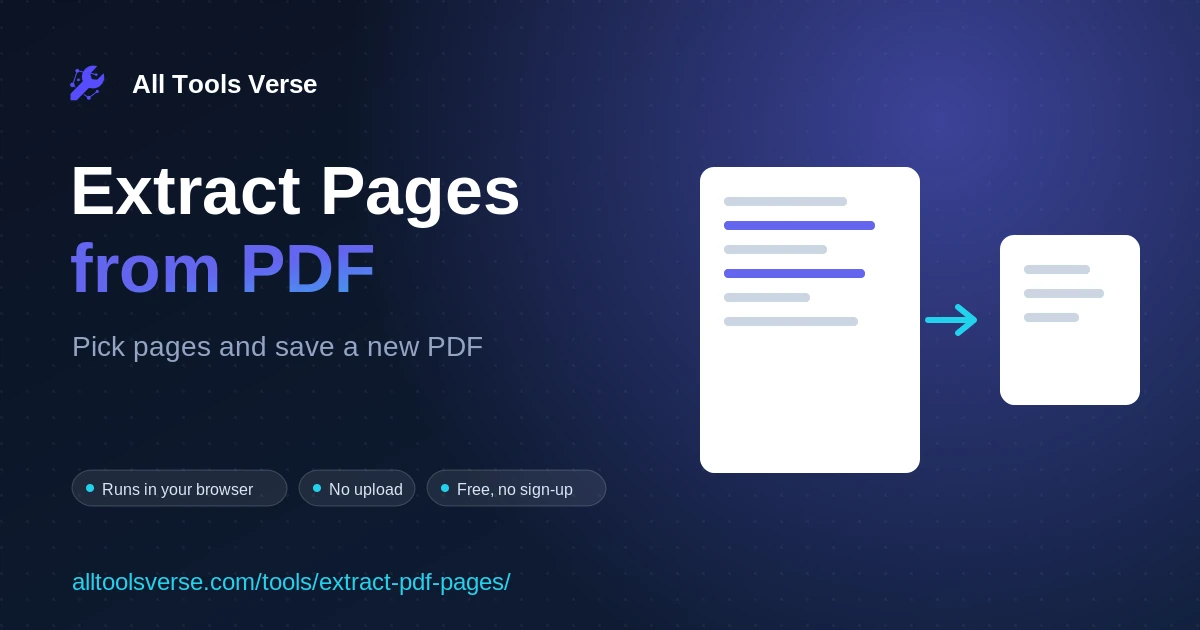
- Add your PDF. Drag the file onto the box or click to choose it. The tool reads the page count.
- Choose the pages to keep. Tap the pages you want, or type a range like 1-3, 5 in the box.
- The tool builds a new PDF. It copies just those pages, in order, into a fresh document with pdf-lib, right in your browser.
- Download. Save your new PDF with only the pages you picked.
Frequently Asked Questions
Is my PDF uploaded anywhere?
No. Everything happens in your browser, so the file stays on your device.
What order will the pages come out in?
Pages are saved in ascending order, so page 2 always comes before page 5 in the new file.
How is this different from splitting a PDF?
Splitting cuts at one point, while extracting lets you cherry pick any pages, even ones that are not next to each other.
Will the pages keep their quality?
Yes. Each page is copied exactly, with no loss and no re-compression.
Can I use several ranges at once?
Yes. Type something like 1-3, 6, 9-10 and all of those pages go into the new PDF.
Does it work on scanned PDFs?
Yes. Scanned pages are handled just like any other page.
Related Tools
Delete PDF Pages →
Remove the pages you do not need from a PDF and download the smaller…
Base64 to PDF Decoder And Viewer →
Decode Base64 strings to PDF files instantly. Preview and download PDFs from Base64. Free,…
Compress PDF →
Optimize and shrink a PDF in your browser by re-saving it efficiently and stripping…
Crop PDF →
Trim the margins off every page of a PDF by a percentage and download…
Convert CSV to PDF Table →
Convert CSV to formatted PDF tables in your browser. Custom orientation, font size, alternate…
Flatten PDF →
Flatten a filled PDF form so the fields become fixed and can no longer…
Convert JSON to PDF Report →
Convert JSON data to formatted PDF reports instantly. Free JSON to PDF converter with…
Convert Markdown to PDF →
Convert Markdown to PDF. Renders and lets you download as PDF.
Merge PDF →
Combine multiple PDF files into one, in your chosen order. Reorder, then download. Free,…
Organize PDF →
Reorder, rotate and remove pages in a PDF, then download the tidy new file.…
PDF Metadata Viewer →
View hidden PDF metadata instantly - extract author, creation date, software info, and security…
PDF Page Counter →
Count pages in PDF files instantly. Free PDF page counter. Upload multiple PDFs, get…