 All Tools Verse
Crop PDF
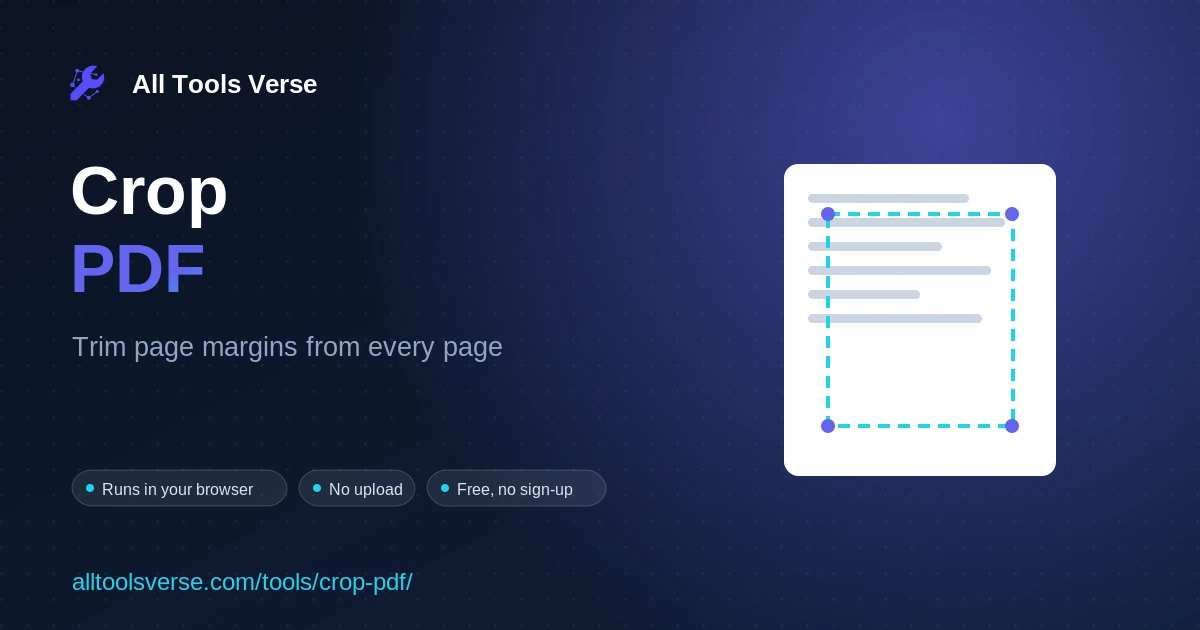
Trim the margins off every page of a PDF by a percentage and download the cropped file. Runs in your browser, no upload.
- Runs in your browser
- Nothing uploaded
- Free, no sign-up
Trim the margins off every page of a PDF by a percentage and download the cropped file. Your document stays on your device.
How to Use Crop PDF
- Add your PDF. Drag the file onto the box or click to choose it. The tool reads the size of the first page.
- Set how much to trim. Enter a percentage to cut from the top, right, bottom, and left of every page.
- The tool sets a new crop box. It shrinks the visible area of each page with pdf-lib, right in your browser, without deleting any content underneath.
- Download. Save the cropped PDF. Your original file is left untouched.
Frequently Asked Questions
Is my PDF uploaded to a server?
No. The crop is done in your browser, so the file stays on your device.
How does the cropping work?
The tool sets a smaller crop box on each page, so viewers and printers only show the trimmed area. The underlying content is kept, which keeps the file safe.
Does it crop every page the same way?
Yes. The percentages you enter are applied to all pages, which is ideal for trimming a consistent margin or scan border.
Will it cut off my text?
Only whatever sits inside the margin you trim. Start with a small percentage and increase it until only the empty border is gone.
Does it work on scanned PDFs?
Yes. Scanned pages crop just like any other page, which is handy for removing black scan edges.
Can I get the full page back later?
Keep your original file. Because the crop only changes the visible box, your untouched copy always has the full page.
Related Tools
Base64 to PDF Decoder And Viewer →
Decode Base64 strings to PDF files instantly. Preview and download PDFs from Base64. Free,…
Compress PDF →
Optimize and shrink a PDF in your browser by re-saving it efficiently and stripping…
Convert CSV to PDF Table →
Convert CSV to formatted PDF tables in your browser. Custom orientation, font size, alternate…
Delete PDF Pages →
Remove the pages you do not need from a PDF and download the smaller…
Extract PDF Pages →
Pick the pages you want and save them as a new PDF. Runs in…
Flatten PDF →
Flatten a filled PDF form so the fields become fixed and can no longer…
Convert JSON to PDF Report →
Convert JSON data to formatted PDF reports instantly. Free JSON to PDF converter with…
Convert Markdown to PDF →
Convert Markdown to PDF. Renders and lets you download as PDF.
Merge PDF →
Combine multiple PDF files into one, in your chosen order. Reorder, then download. Free,…
Organize PDF →
Reorder, rotate and remove pages in a PDF, then download the tidy new file.…
PDF Metadata Viewer →
View hidden PDF metadata instantly - extract author, creation date, software info, and security…
PDF Page Counter →
Count pages in PDF files instantly. Free PDF page counter. Upload multiple PDFs, get…